Can I change my card details on my payment plan?
Overview
Yes, it is possible to change the card details associated with your payment plan on Bookteq.
You can save new payment methods to your account when you go through the checkout process.
Your different payment methods are stored in the "Payment Methods" tab on the bar on the left-hand side.
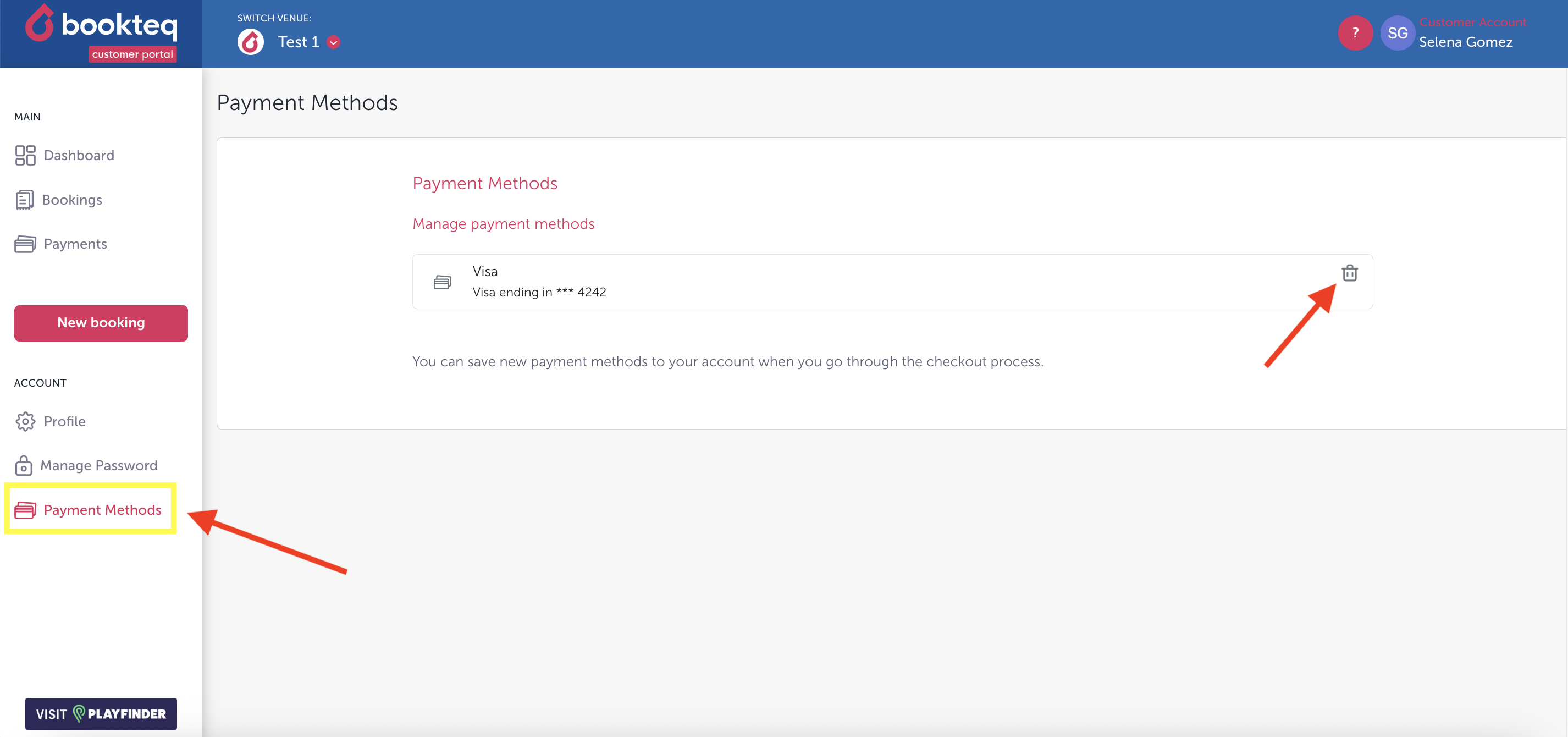
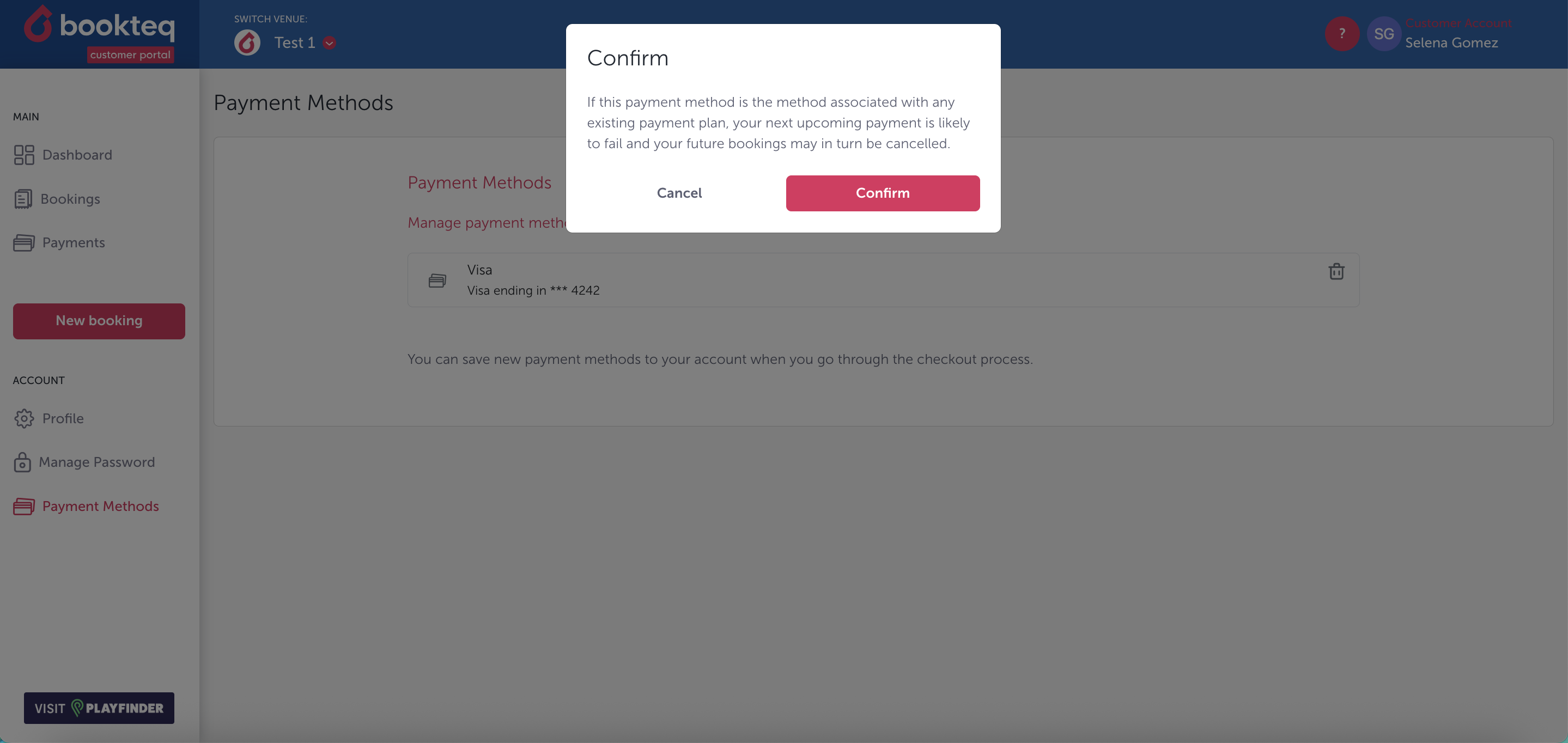
🚨 You are able to delete your old payment methods and replace them. If you have an ongoing payment plan set up and you attempt to delete your only saved payment method from the system you will receive the following warning:
Troubleshooting
Q: What should I do if my payment fails?
A: If your payment fails, please make sure to check your email for any notifications regarding the failed payment. Follow the instructions in the email to add a new payment card to your payment plan. This will ensure that your future payments are processed successfully.
Q: Can I contact customer support for assistance with updating my card details?
A: If you encounter any issues or have further questions regarding your payment plan, please reach out to the venue managers first, but if you till require further assistance with investigating a payment issue you can contact us at hello@playfinder.com.